



How to Build Your First Student CV: A Complete Guide for Beginners
Creating your first CV can feel confusing, especially when you have no work experience to mention. You may wonder what to write, which skills to include, or how to make your CV stand out when you are still studying.
The good news is that you do not need a job history to create a strong student CV. Your education, academic achievements, projects, extracurricular activities, and relevant skills can all help you present yourself effectively.
Whether you are a Class 12 student, a college fresher, or someone looking for an internship, this guide will help you prepare your first CV step by step.
What Is a Student CV?
A CV, or curriculum vitae, is a short document that presents your education, skills, projects, achievements, and experience. For most students, it is similar to a resume: a concise, one-page document tailored to the opportunity you are applying for.
A student CV should highlight what you can offer now, not just what you have done in the past. That means including academic projects, volunteering, school activities, certifications, and transferable skills.
For academic applications, a CV may be longer and include research, publications, presentations, and awards. For internships and entry-level jobs, keep it focused and concise—usually one page.
What to Include in Your First Student CV
A strong student CV usually includes these sections:
-
Contact information
-
Personal statement or career objective
-
Education
-
Relevant experience
-
Projects
-
Skills
-
Achievements and awards
-
Extracurricular activities and volunteering
-
Certifications or online courses
-
References, if required
You do not need every section. Choose the ones that best show why you are a good fit for the role.
Step 1: Start With Your Basic Details
Place your name and contact information at the top of the page. Keep this section simple and professional. Include:
-
Full name
-
Mobile number
-
Professional email address
-
City and state
-
LinkedIn profile or portfolio link, if relevant
Avoid adding unnecessary personal details such as your full home address, date of birth, marital status, or a photo unless the employer specifically requests them.
Step 2: Write a Short Career Objective
A career objective is a brief statement explaining what you are looking for and what you can contribute.
As a beginner, you do not need to make big claims. Focus on your interests, willingness to learn, and relevant strengths.
Example for a Class 12 student:
“Motivated Class 12 commerce student interested in accounting, business, and finance. Looking for an opportunity to develop practical skills, learn from experienced professionals, and apply classroom knowledge in a real-world setting.”
Example for a college fresher:
“Commerce undergraduate seeking an internship to gain practical exposure to accounting and business operations. Interested in applying analytical, communication, and organisational skills while learning in a professional environment.”
Try to customise your objective for each opportunity. A CV for an accounting internship should emphasise different interests and skills from one prepared for a social media internship.
Step 3: Highlight Your Educational Qualifications
Education is often one of the most important sections of a student CV.
List your current or most recent qualification first, followed by previous qualifications. This reverse-chronological format helps recruiters quickly see your current level of study. You can include:
-
Degree or course name
-
School, college, or university
-
Expected graduation date or study period
-
Relevant subjects or specialisation
-
GPA or grades, if strong
-
Relevant coursework, only if useful for the role
Include accurate marks and dates. If your results have not been declared, mention that you are currently studying or provide your expected completion year. You do not need to list every subject or examination. Focus on information relevant to the opportunity.
Step 4: Include Projects, Activities, and Achievements
This section is particularly useful when you have no formal work experience. Think beyond jobs. Have you prepared a research project, participated in a competition, organised a school event, managed a club activity, or created something independently?
They are especially valuable for technology, design, writing, research, business, and engineering roles.
Include:
-
Project title
-
Your role
-
Tools or skills used
-
What you built or achieved
-
Link, if available
Example: Volunteer, Community Library Program
XYZ NGO, Bengaluru | June 2025-August 2025
-
Assisted 40+ school students with reading and basic computer skills.
-
Organised weekly storytelling sessions for children aged 8–12.
-
Helped catalogue over 200 donated books using a spreadsheet system.
Example: Business Studies Project
Topic: Marketing Strategy for a Local Business
- Studied the target customers and product positioning of a local business.
- Prepared a presentation covering pricing, promotion, and distribution.
- Worked with classmates to organise findings and present recommendations.
This shows initiative, research, teamwork, and communication without suggesting that you have professional work experience.
Use actual projects you have completed. Never invent achievements or exaggerate your responsibilities.
Step 5:Add Relevant Skills
Employers and internship providers often want to know what you can do, even if you have never worked before. Think about the skills you have developed through school, college, assignments, presentations, competitions, or independent learning.
Technical Skills: Depending on your experience, these may include:
- MS Word and PowerPoint
- Microsoft Excel or Google Sheets
- Basic accounting concepts
- Tally or other accounting software
- Canva or basic graphic design
- Data entry and document formatting
- Basic research and data analysis
Soft Skills: These may include:
- Written and verbal communication
- Teamwork
- Time management
- Problem-solving
- Organisation
- Presentation skills
- Attention to detail
Important: Only include skills you can honestly demonstrate. If you have basic knowledge of Excel, write “Basic Excel” rather than claiming advanced proficiency. Where possible, connect your skills to an example. For instance, if you mention presentation skills, you could highlight a class presentation or group project you completed.
Step 6: Mention Certifications and Online Courses
Have you completed an Excel course, attended a financial literacy workshop, or earned a certificate in digital marketing? You can include relevant courses in a separate section.
For each course, mention:
- Course name
- Provider or institution
- Completion year
- Certificate link, if available
For example:
Introduction to Microsoft Excel
Course provider: [Provider Name] | Completed: 2026
Choose courses that support the role you want. A student applying for an accounting internship may benefit more from basic Excel or accounting training than from an unrelated certificate. Remember that a certificate is useful when it reflects knowledge you have actually gained. A long list of unrelated courses will not automatically make your CV stronger.
Step 7: Format Your CV Professionally
Good content matters, but presentation also affects how easily a reader can understand your CV. Follow these simple formatting guidelines:
- Keep your CV to one page if you are a beginner and your relevant information fits comfortably.
- Use a clean, readable font such as Arial, Calibri, or Aptos.
- Use a font size of approximately 10-12 points for body text.
- Make section headings clear and consistent.
- Use bullet points instead of long paragraphs.
- Maintain consistent spacing, margins, and date formats.
- Keep colours minimal and professional.
- Save and submit the CV as a PDF unless the application specifies another format.
You can create your CV using Microsoft Word, Google Docs, or a simple template in Canva. Choose a layout that makes your information easy to scan rather than one filled with graphics and decorative elements.
For many entry-level roles, a straightforward, single-column CV is a practical choice. It is also generally easier for applicant-tracking systems to process than a heavily designed document.
Step 8: Tailor Your CV for Each Application
One common mistake is sending exactly the same CV for every opportunity. Instead, read the application carefully and identify the skills, subjects, and responsibilities it mentions.
For example:
- Accounting internship: Highlight Accountancy, Excel, numerical accuracy, and relevant accounting projects.
- Marketing internship: Highlight communication, content creation, presentations, and social media projects.
- Business development role: Highlight teamwork, research, communication, and customer-facing activities.
- Finance-related opportunity: Highlight Economics, financial literacy, spreadsheet skills, and analytical projects.
You should never add skills simply because they appear in a job description. Highlight the relevant skills you genuinely possess and explain them clearly.
Step 9: Proofread Before Sending
A small spelling mistake, incorrect phone number, or outdated detail can make a poor impression. Before submitting your CV, check the following:
- Is your name and contact information correct?
- Are your qualifications and marks accurate?
- Are there any spelling or grammatical errors?
- Are the dates consistent?
- Are all links working?
- Does the PDF open properly on a phone and computer?
- Does the CV match the opportunity you are applying for?
- Have you removed any blank sections, placeholder text, or unnecessary information?
Ask a teacher, mentor, or trusted person to review your CV if possible.
Save the file with a clear name, such as Aarav_Sharma_Student_CV.pdf, rather than final_cv_latest2.pdf.
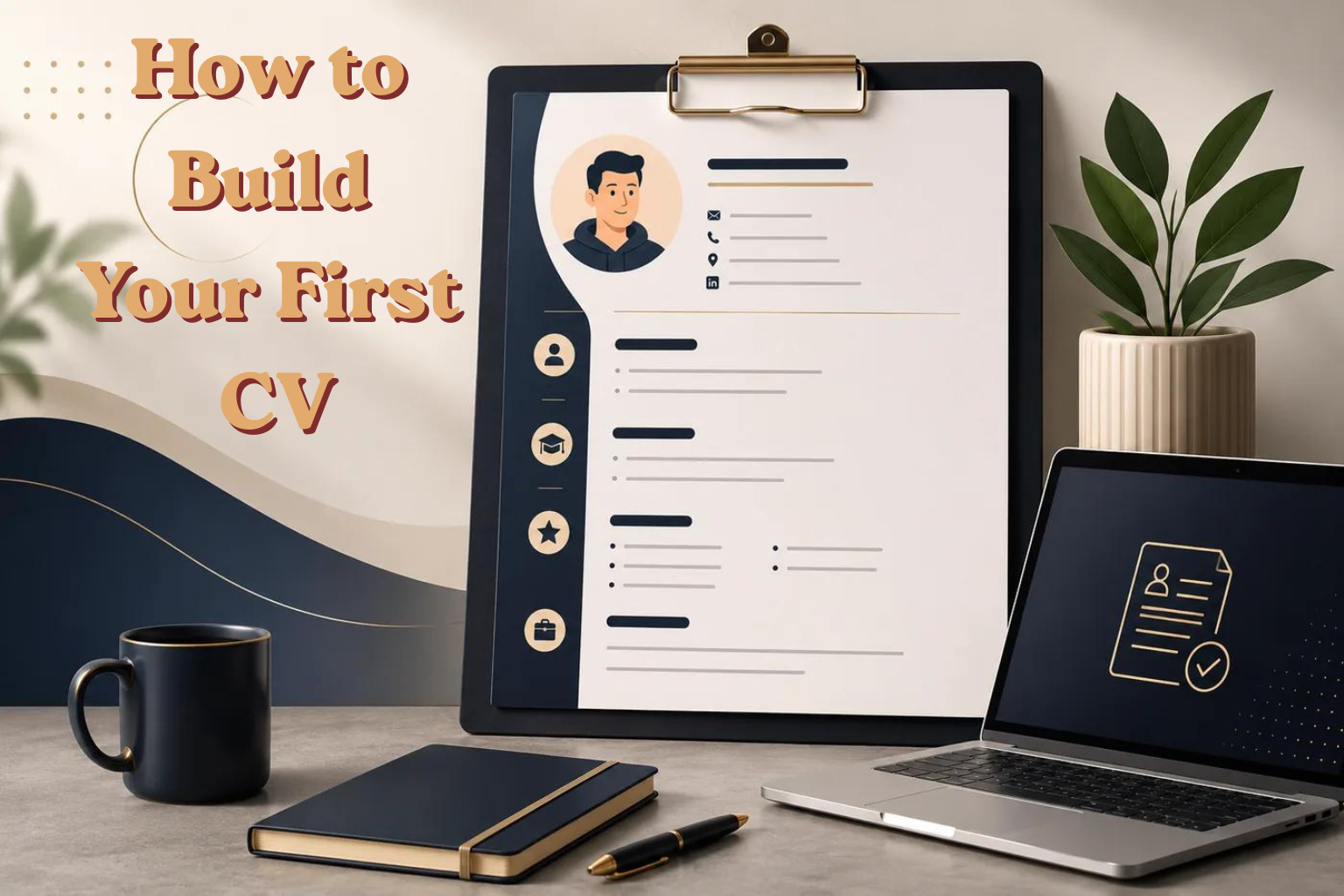
Student CV Template: Copy and Customise
If you are unsure how to organise your information, use the following structure as a starting point.
YOUR NAME
City, State | Phone | Email | LinkedIn | Portfolio
CAREER OBJECTIVE
A brief statement describing your interests, strengths, and the opportunity you are seeking.
EDUCATION
Degree / Course Name
Institution Name | Dates
GPA or relevant grades
Relevant coursework or achievements
PROJECTS
Project Title
– What you did
– Tools used
– Result or link
SKILLS
Technical: Skill 1, Skill 2, Skill 3
Languages: Language 1, Language 2
Soft skills: Skill 1, Skill 2
ACHIEVEMENTS
– Award or achievement
– Certification or scholarship
EXTRACURRICULAR ACTIVITIES
Role or Activity
Organisation | Dates
– What you did or achieved
Formatting Tips for a Professional CV
A good CV should be easy to scan in less than 30 seconds.
-
Keep it to one page if possible.
-
Use a clean font such as Arial, Calibri, or Helvetica.
-
Use font size 10–12 for body text and 14–16 for headings.
-
Leave enough white space so the page does not look crowded.
-
Use bullet points instead of long paragraphs.
-
Save and send your CV as a PDF unless the employer asks for another format.
-
Name the file professionally, such as
Aarav_Sharma_CV.pdf.
Common Mistakes Students Should Avoid
Even a well-qualified student can weaken their CV through avoidable mistakes.
1. Writing a long career objective: Keep it focused and relevant.
2. Adding irrelevant personal information: Prioritise education, skills, projects, and contact details.
3. Claiming skills you do not have: Be honest about your current level and be prepared to explain it.
4. Using the same CV for every application: Make relevant adjustments for the role.
5. Overdesigning the document: Fancy graphics and excessive colours can distract from your qualifications.
6. Leaving out academic projects: Coursework can demonstrate useful skills when you have no work experience.
7. Copying a sample CV without customising it: Your CV should reflect your own background, not another student’s achievements.
8. Ignoring file format and spelling: Review the final PDF before sending it.
Final Thoughts
Building your first student CV is less about having an impressive work history and more about presenting your current abilities clearly. Your education, academic projects, extracurricular activities, and willingness to learn can all help you make a positive first impression.
Start with the information you already have. Choose the most relevant details, write honestly, and keep the layout clean. As you gain new skills, complete projects, and take part in activities, update your CV regularly.
You do not have to wait until graduation to prepare your first CV. Starting early can help you recognise your strengths and feel more confident when the right opportunity comes along.
For much information visit www.comerc.in